![problems [solved]](https://problemssolved.de/wp-content/uploads/2025/03/solved_logo.png)
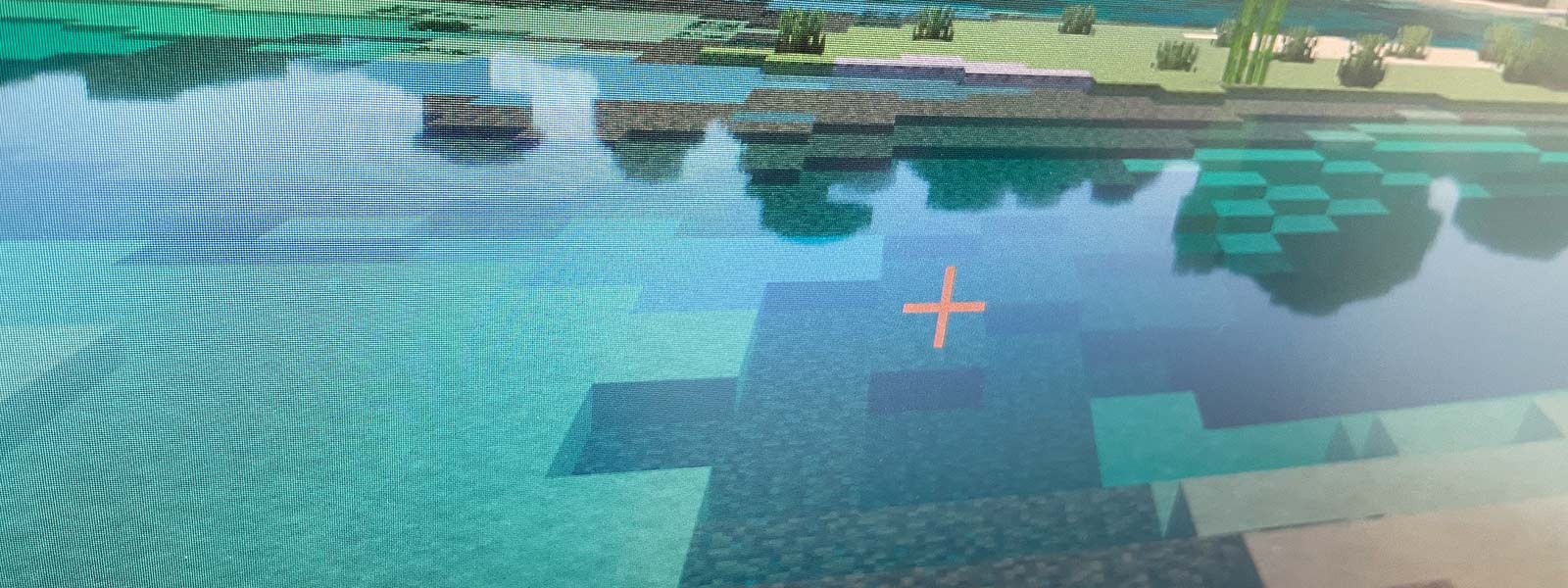
If you already have ray tracing-capable hardware in your computer, you also want to be able to experience a game like Minecraft much more beautifully than in the vanilla version of the game. There are also various extensions and modifications available. When I tried this, I was unable to play the game with ray tracing, with only one exception.
I was able to activate ray tracing in the graphics menu, but the setting was deactivated when I left the settings menu.
It seems that it is the current Minecraft version that makes the ray tracing settings partially unusable.
I use Minecraft Bedrock Edition for PC.
So a kind of workaround is needed to get to the actually relevant menu entry “Graphics mode”. The following tip (credits to SquibbyGamer) helped me.
Step 1: deactivate all texture packages
Step 2: open the marketplace and search for one of the free worlds using the term “RTX”, download it and start it.
Step 3: Step 2: Once the world is loaded, open the settings:
Video -> Graphics mode
There should be an entry like ray traced here. Select it and exit the world.
Step 4: Now you can reactivate the desired texture packages and then call up your own worlds and enjoy them with ray tracing.
I think there will be a fix for this in the next update, but until then you can activate the settings with this little workaround.
I hope this has helped you. If you have any updates or additions to the problem, please let me know.